Confirmation Experience
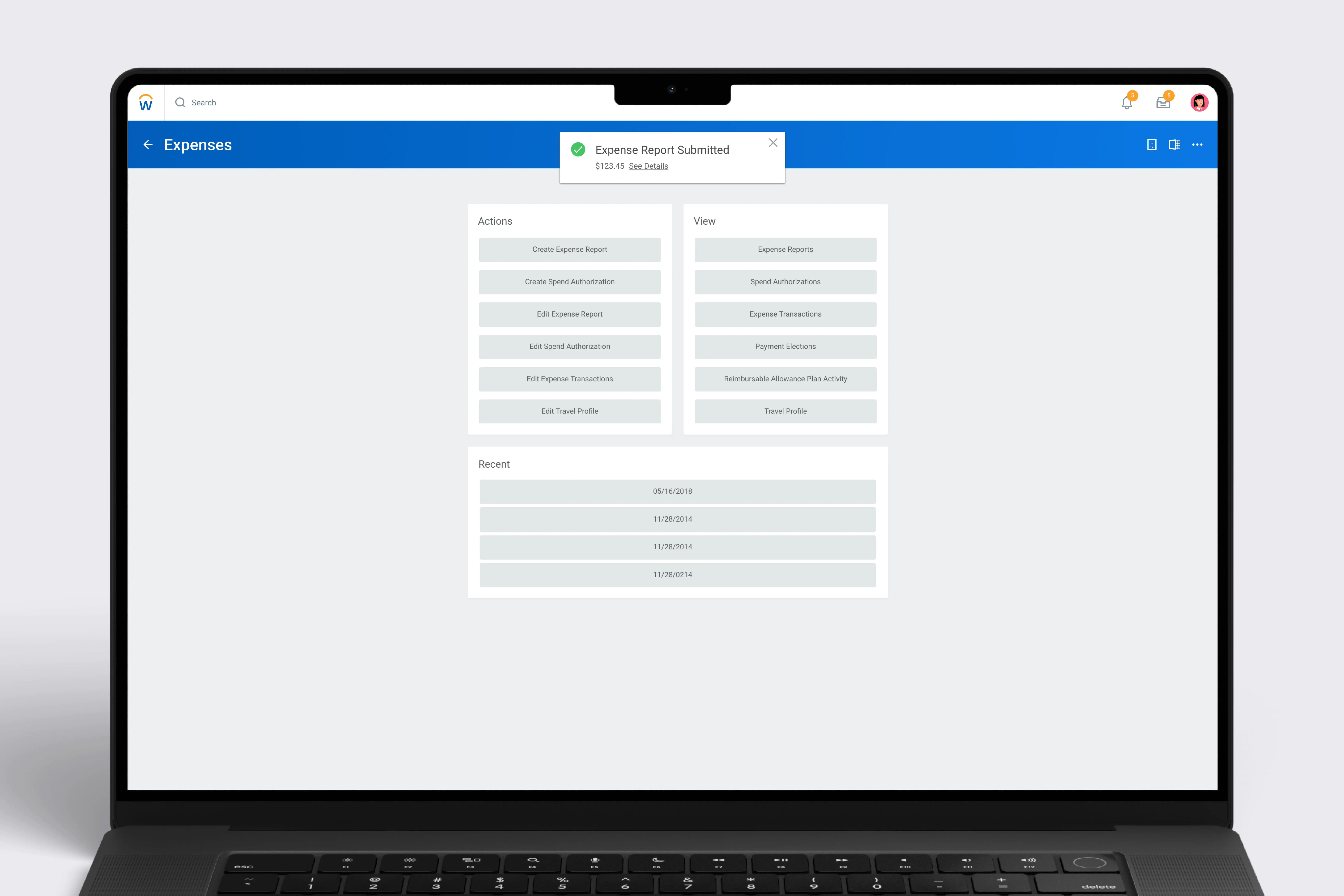
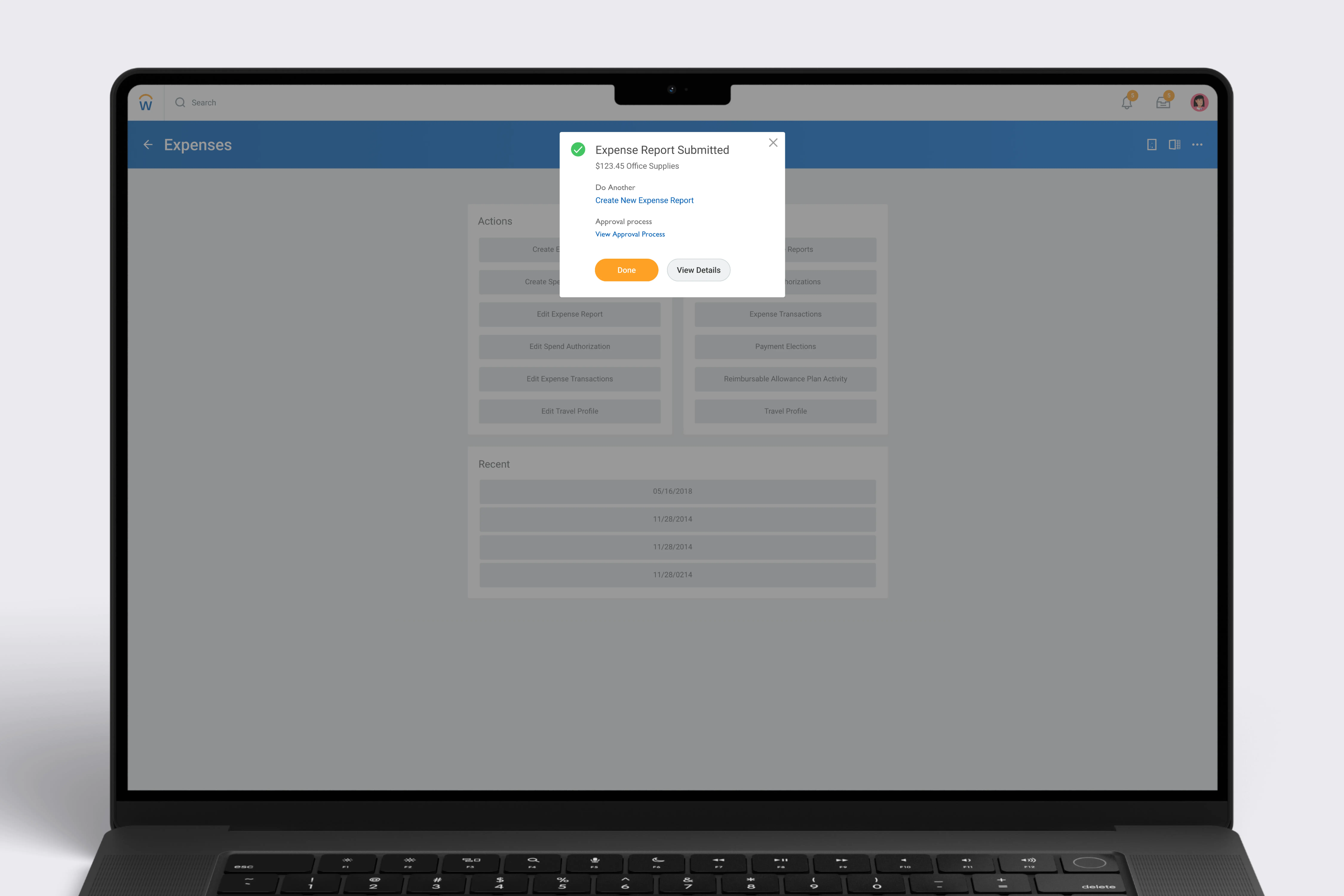
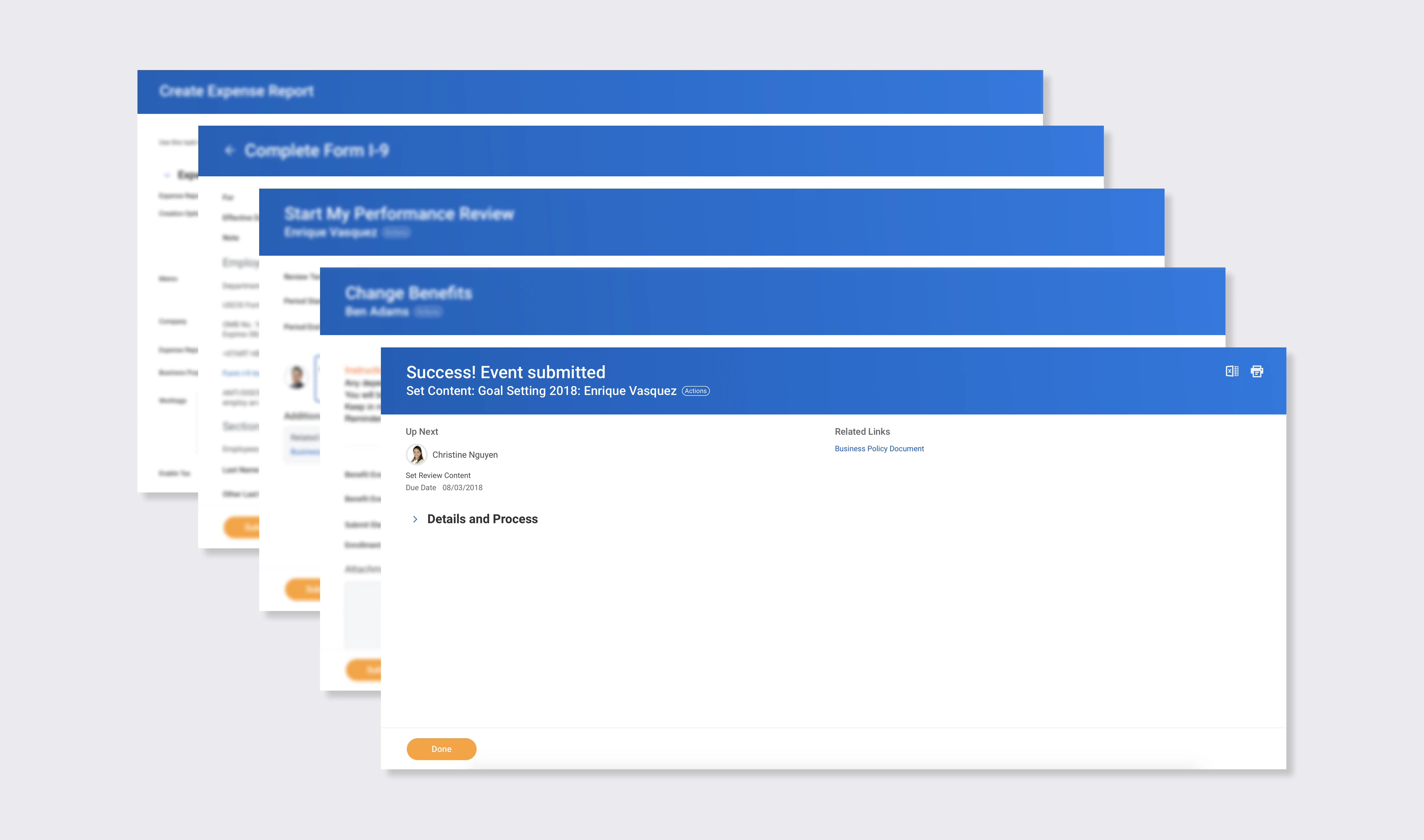
Every business task in Workday ends with a full-page confirmation screen. For simpler tasks, this felt heavy. My project was to redesign something lighter.
The confirmation page used the same layout as every other page in Workday, so in most scenarios the only difference was the title. Users weren't confident the task was complete.
Original full-page confirmation design with expanded details and process sections
Usage data showed that tasks could be bucketed into easy, medium, and hard difficulty. There was a positive correlation between task difficulty and time spent on the confirmation page.
Graph of task difficulty vs time spent on confirmation page
Users were interacting with the confirmation page differently depending on task difficulty and frequency, so one experience might not work for all scenarios.
A recruiter processing dozens of applications a day found the full page tedious. But an admin creating a supplier invoice with multiple approvers needed the full page to verify the submission.
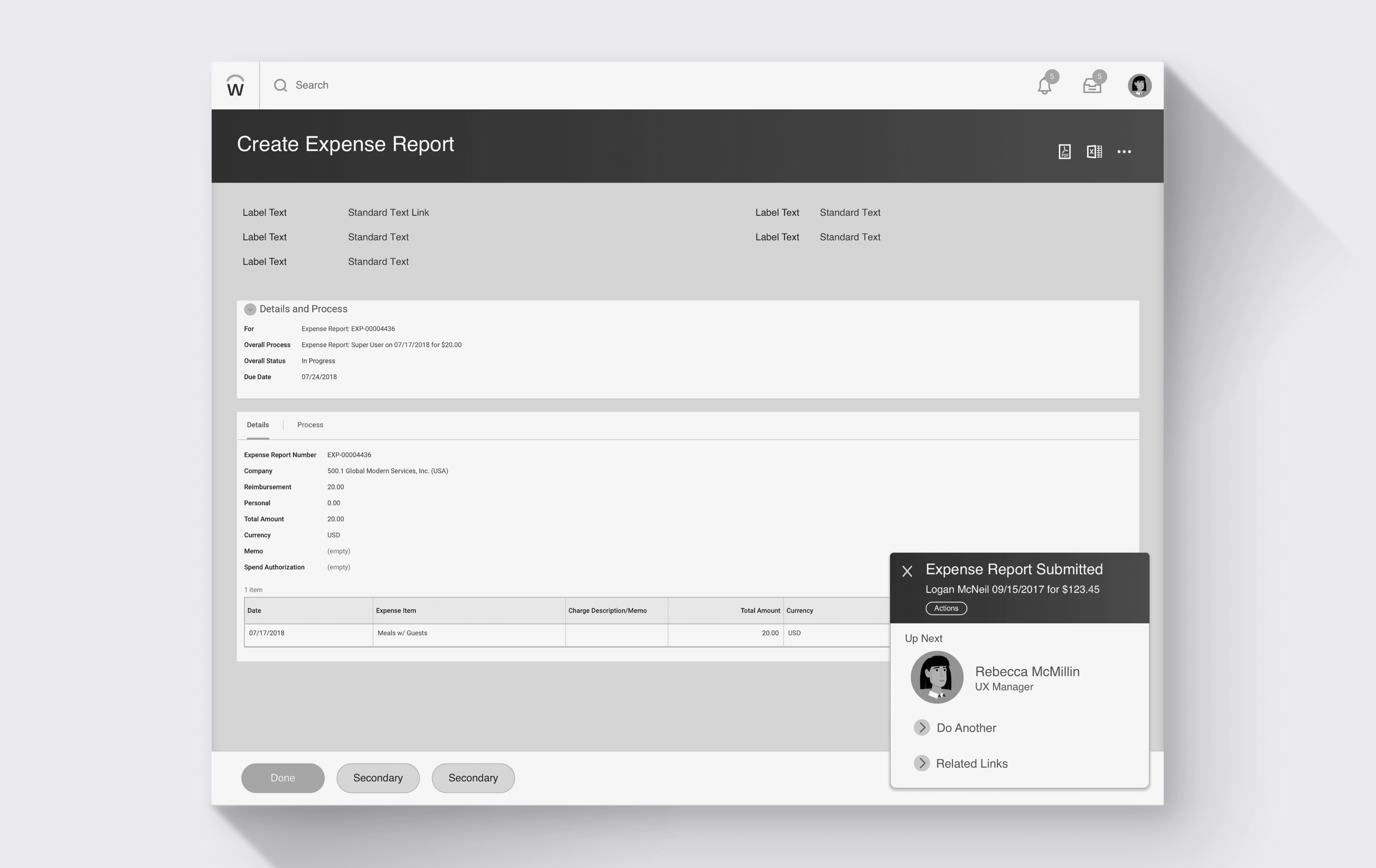
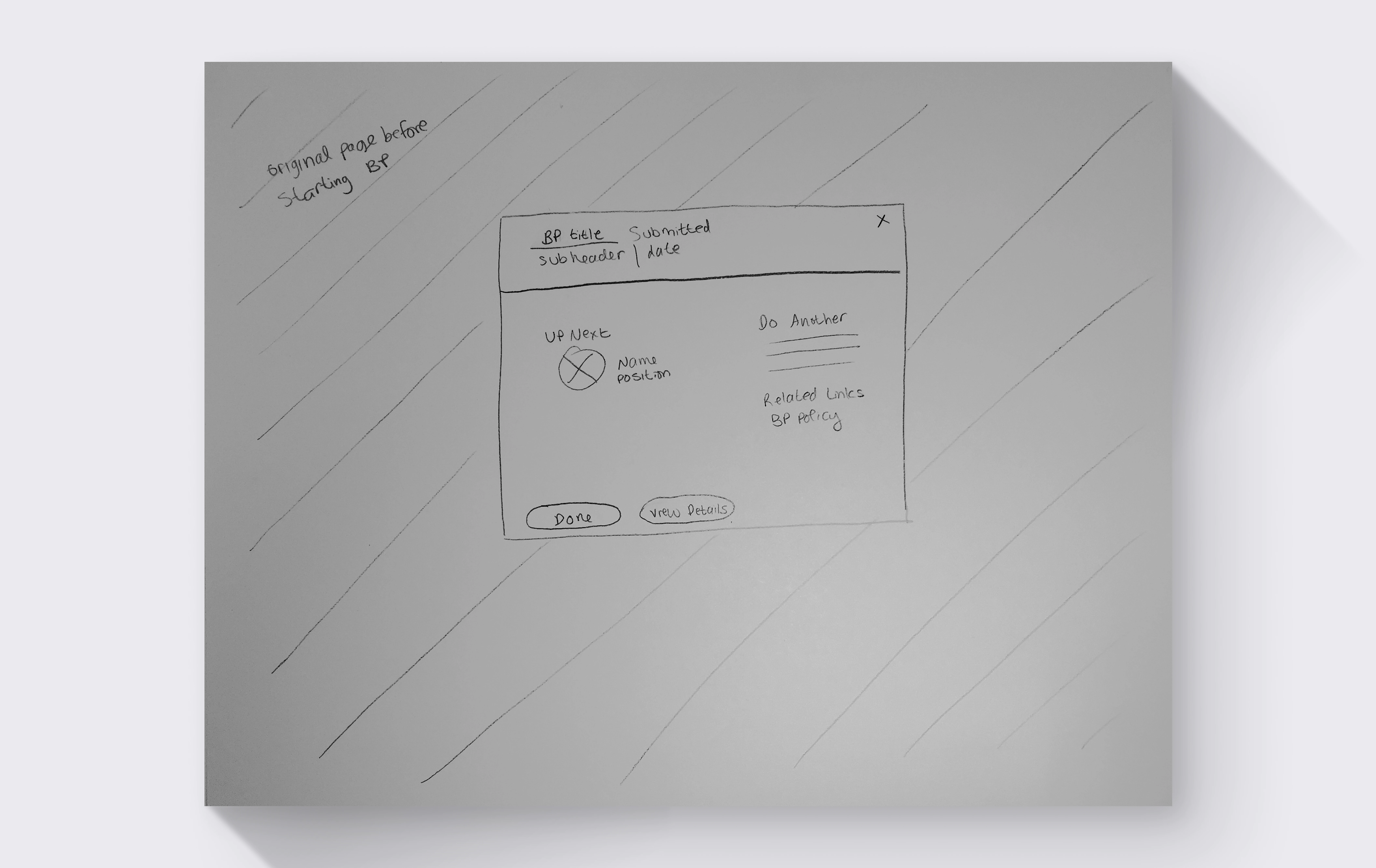
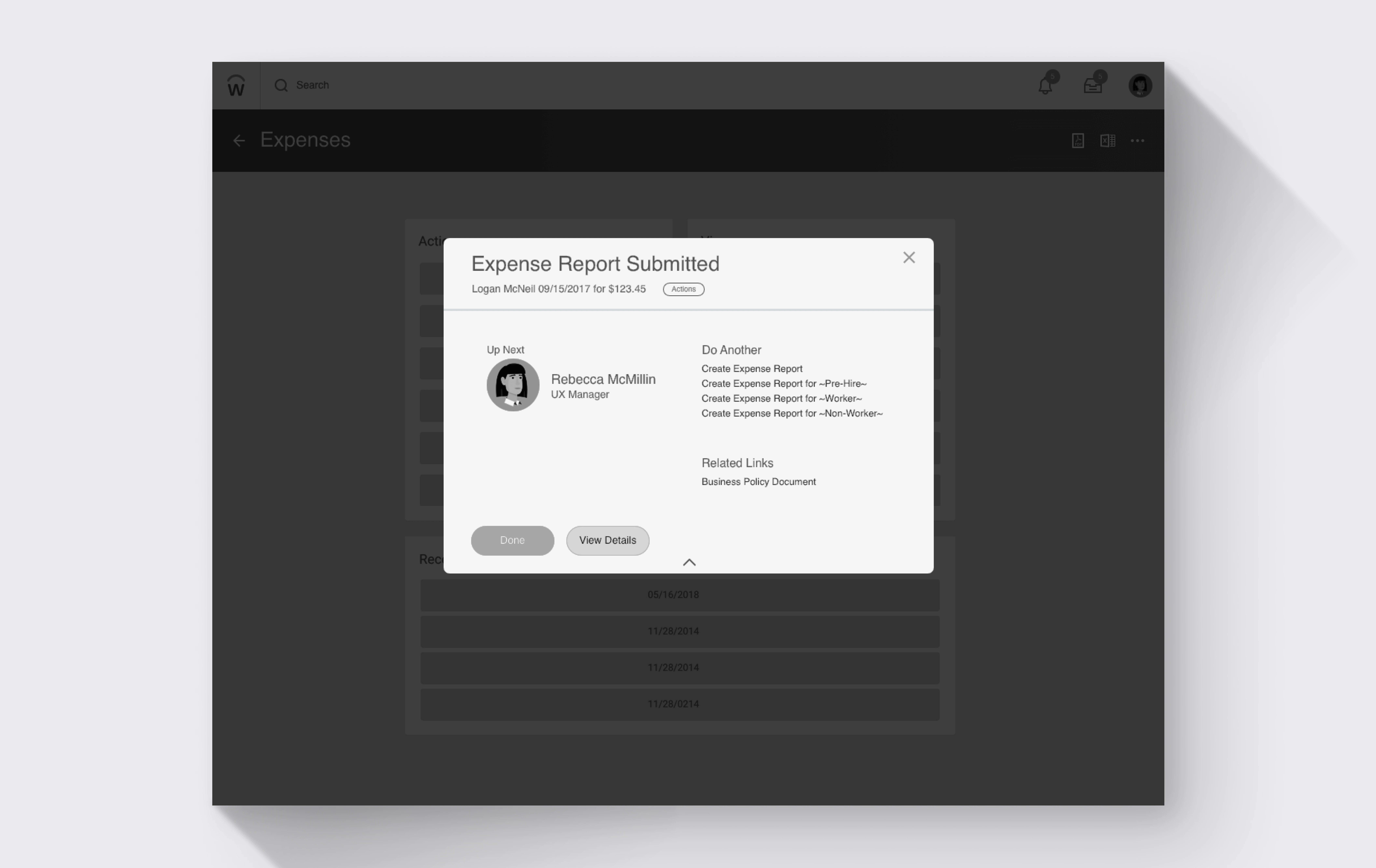
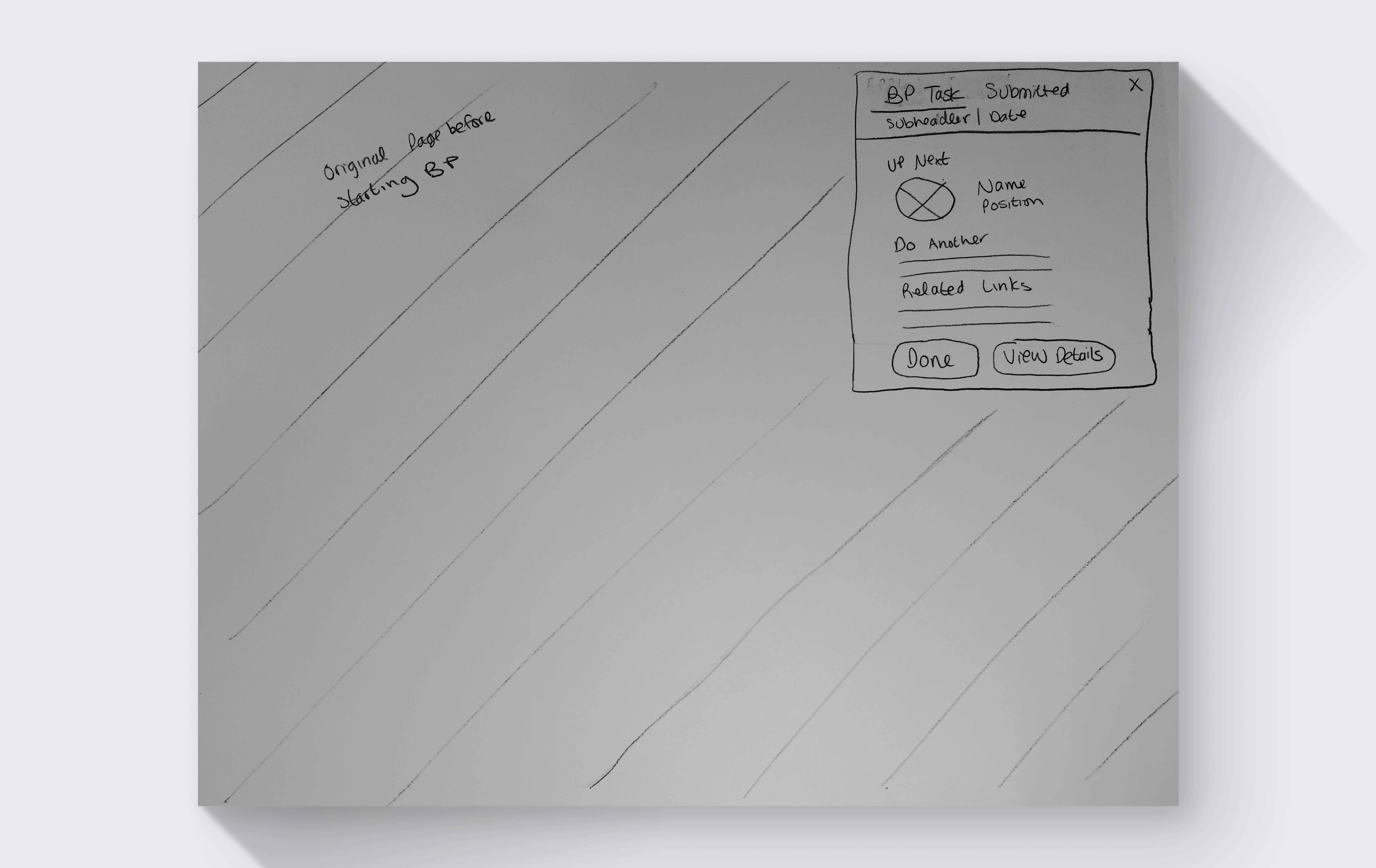
I narrowed down to a modal, a toast, and an updated full-page design. All three were tested on 21 users grouped by task difficulty.
Easy and medium task users preferred the toast for its speed. Hard task users still wanted the full page to review their submission.
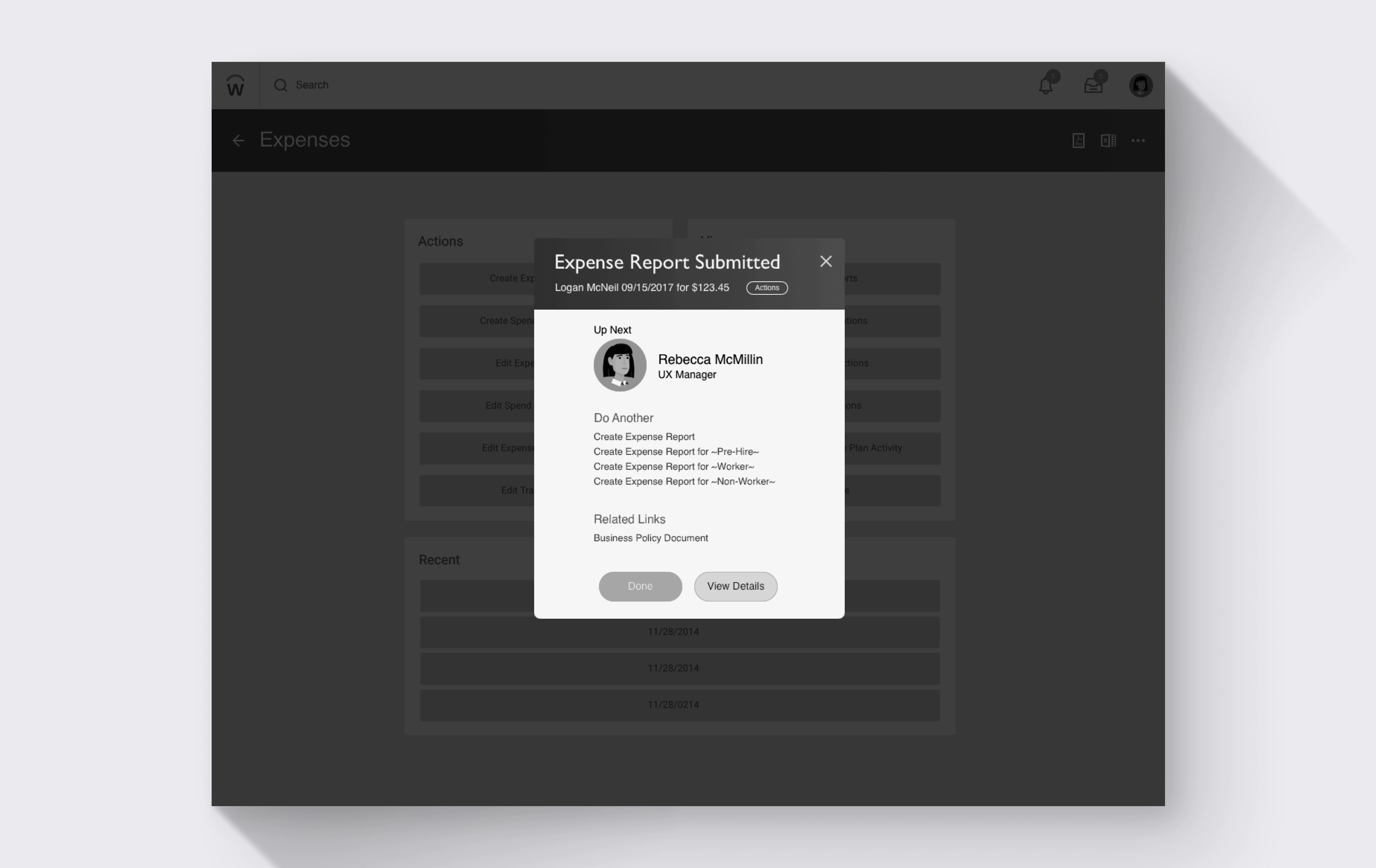
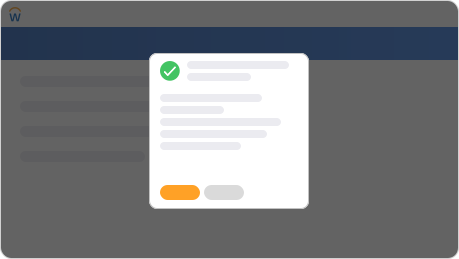
Modal overlay variant

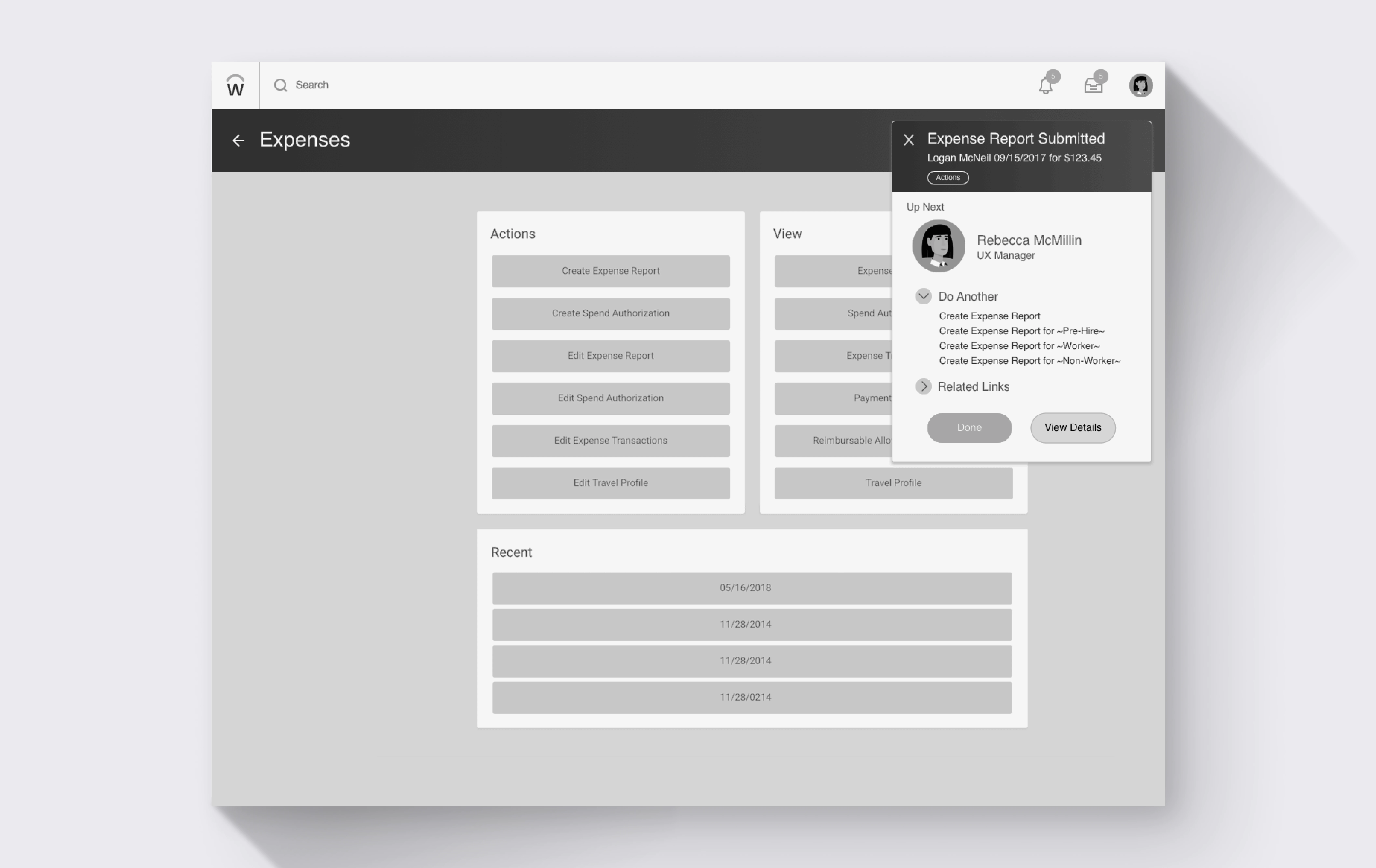
Modal Overlay

A dialog with confirmation details and next steps
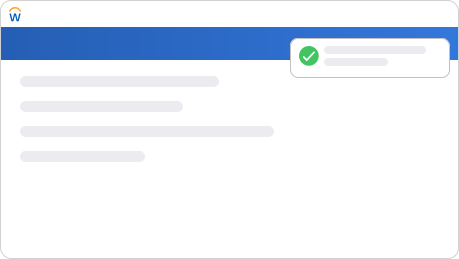
Slim notification variant

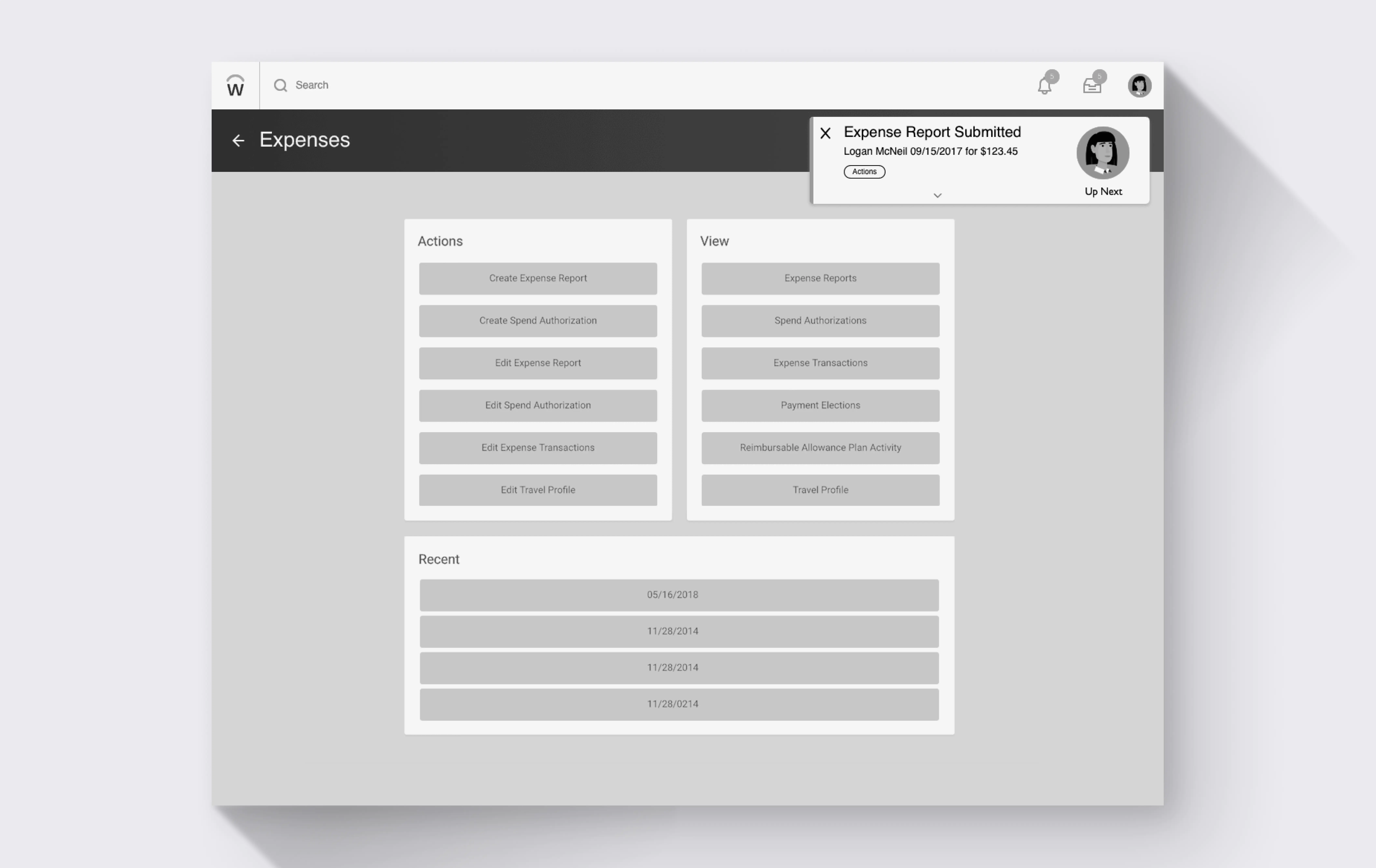
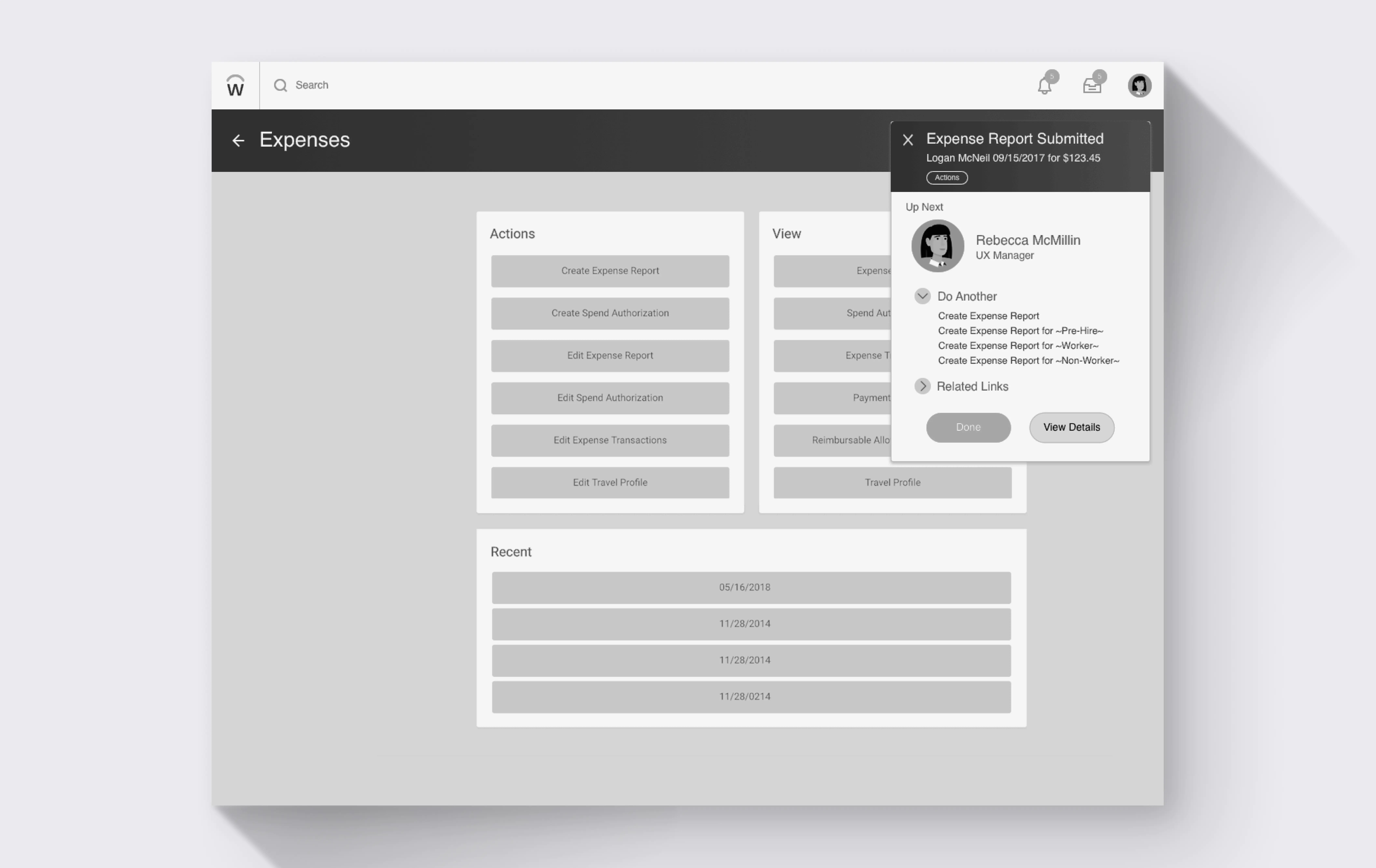
Toast

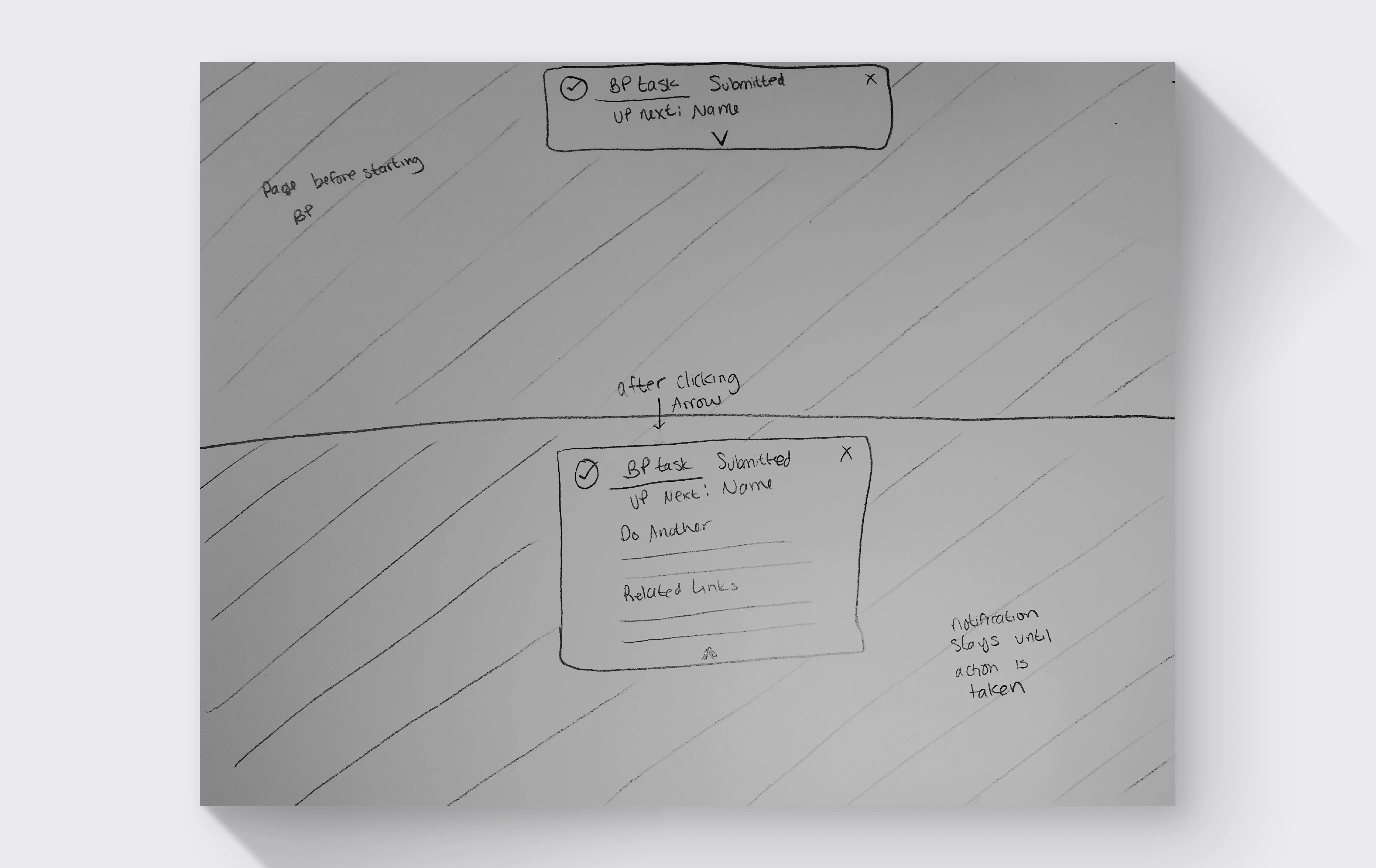
A persistent banner that confirms task completion
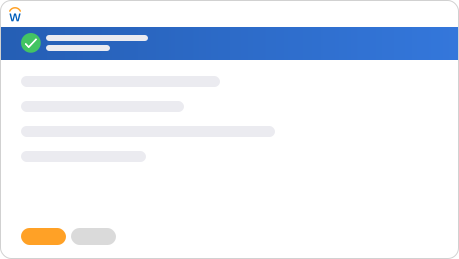
Full page variant

Full page (updated)

Updated with a header check mark and expanded details

Expense report illustration

Submit Expense Report Easy

Involves one or two users and errors can be quickly fixed or doesn't have high business impact

Change job illustration

Change Job Medium

Multiple users in approval process and errors will waste a lot of time
Supplier invoice illustration

Create Supplier Invoice Hard

Involves multiple businesses and errors will cost thousands to millions of dollars
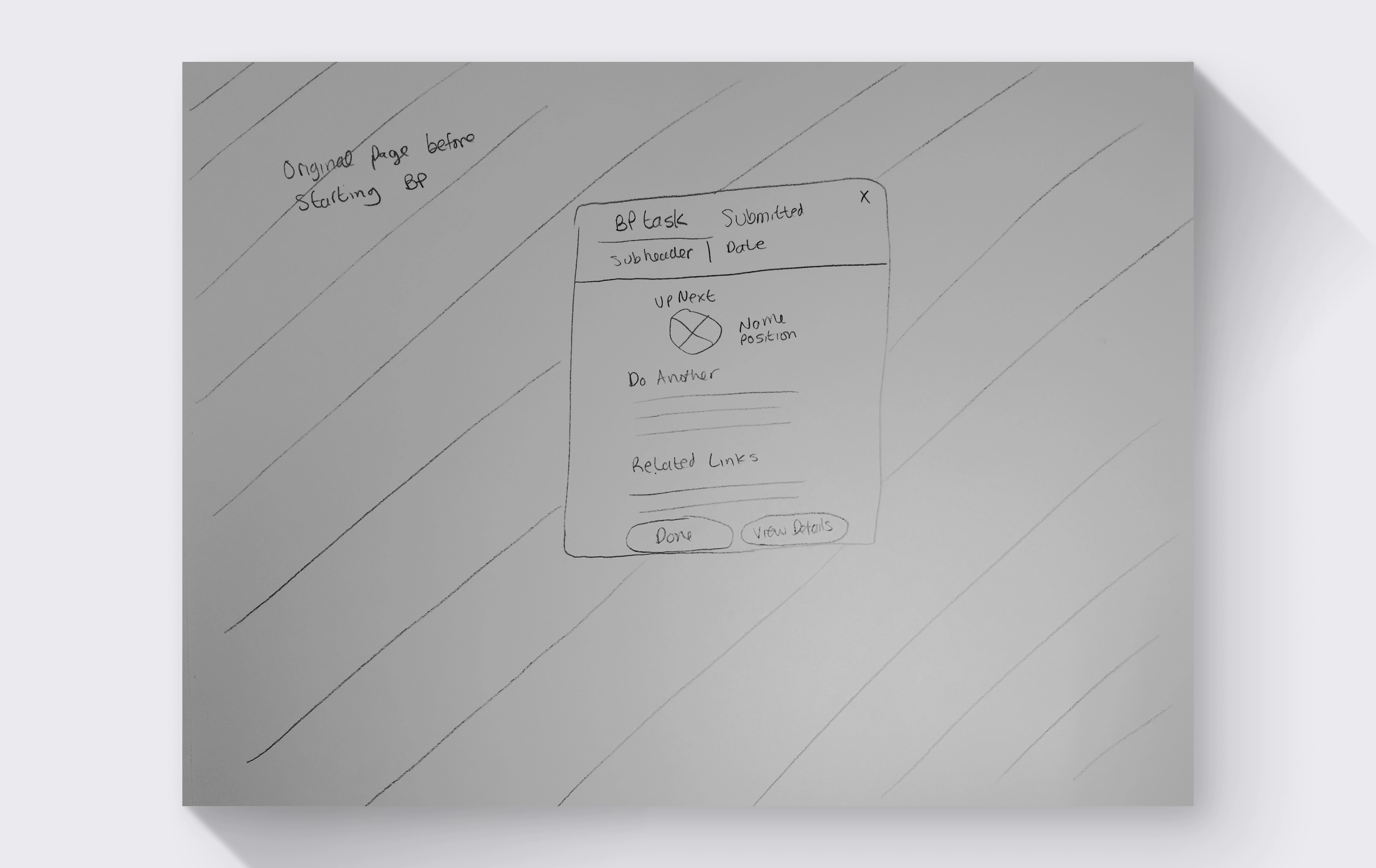
For the next iteration, I tried combining the notification and full-page designs into a hybrid, but it didn't test well. Easy task users ignored the added detail and hard task users still preferred a full page.
The final design proposal had 2 confirmation components.
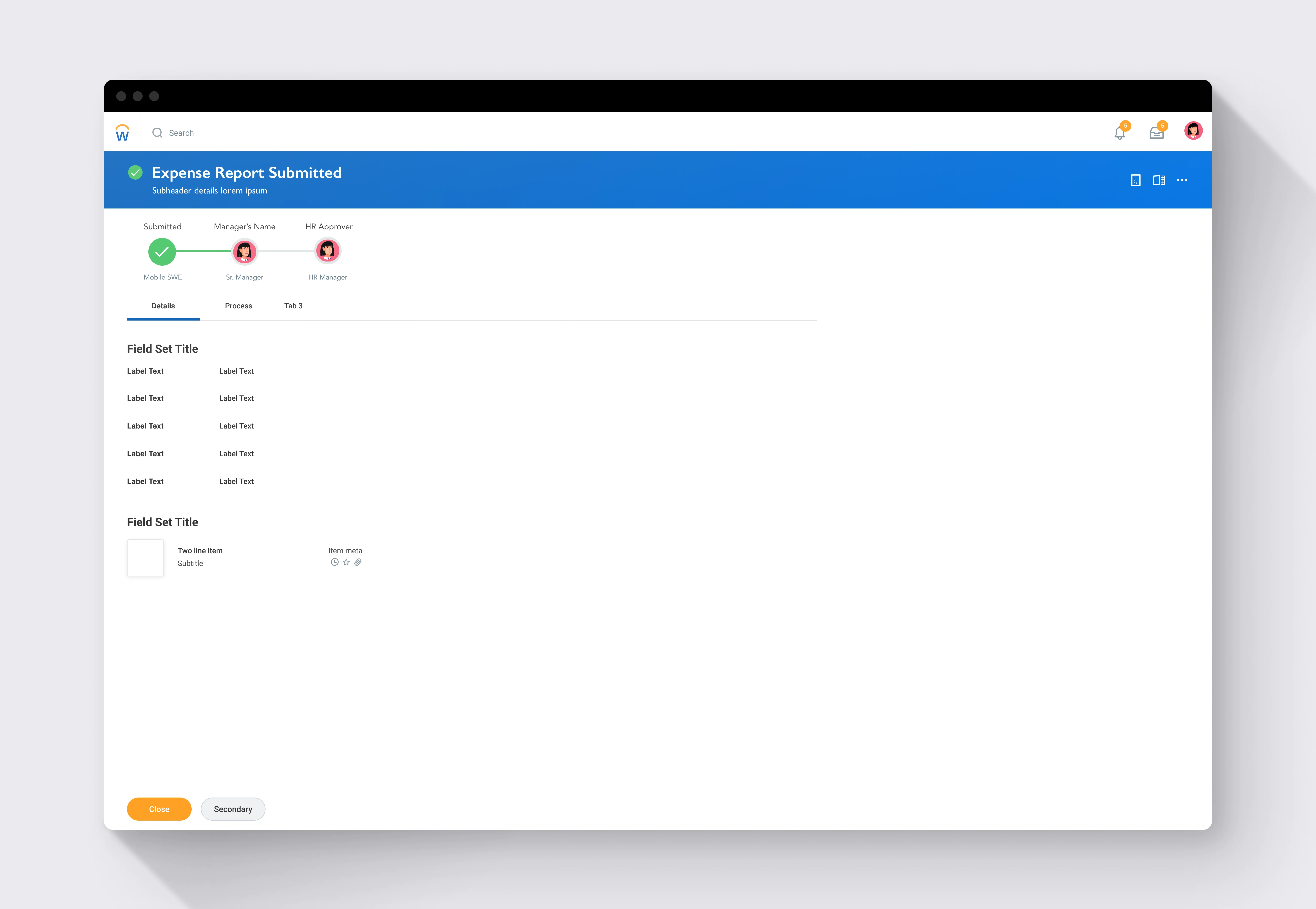
An updated full-page version for complex tasks with the approval chain and additional details shown by default.
Final full-page confirmation design with approval chain visible and Close button
And a persistent toast for simpler tasks that includes related actions and links to the full confirmation page.
Even though it's the same confirmation moment, task complexity created two distinct user needs. Simple tasks needed quick acknowledgment, complex tasks needed a space to review.